
Font Settings in Matplotlib.pyplot
获取可正确显示的字体
有些系统字体可能无法在 Matplotlib 中正确读取和识别,这种情况下可以先清除一下缓存,代码为:
1
2
3
4
5
6
7
8
import matplotlib as mpl
import os
import shutil

cache_dir = mpl.get_cachedir()
print(cache_dir)

shutil.rmtree(cache_dir)
然后通过以下代码获取可以正确显示的字体名称。以中文显示为例:
1
2
3
4
5
6
7
8
9
10
11
12
13
14
15
16
17
18
19
20
21
22
23
24
25
26
import pandas as pd
import matplotlib.font_manager as fm
from matplotlib.ft2font import FT2Font

def font_supports_text(font_path, text="中文测试"):
    try:
        font = FT2Font(font_path)
        charmap = font.get_charmap()
        return all(ord(ch) in charmap for ch in text)
    except Exception:
        return False

records = []

for f in fm.fontManager.ttflist:
    if font_supports_text(f.fname, "中文测试"):
        records.append({"name": f.name, "path": f.fname})

cn_font_df = (
    pd.DataFrame(records)
    .drop_duplicates()
    .sort_values("name")
    .reset_index(drop=True)
)

print(cn_font_df['name'])
得到可以用的中文字体列表,我的是
1
2
3
4
5
6
7
8
9
10
11
12
13
14
15
16
17
18
19
20
21
22
23
24
25
26
27
28
['Arial Unicode MS',
 'Arial Unicode MS',
 'Baoli SC',
 'BiauKaiHK',
 'Hannotate SC',
 'HanziPen SC',
 'Hei',
 'Heiti TC',
 'Heiti TC',
 'Hiragino Sans GB',
 'Kai',
 'Kaiti SC',
 'Lantinghei SC',
 'Libian SC',
 'LingWai SC',
 'LingWai TC',
 'PingFang HK',
 'STFangsong',
 'STHeiti',
 'STHeiti',
 'SimSong',
 'Songti SC',
 'Wawati SC',
 'Weibei SC',
 'Xingkai SC',
 'Yuanti SC',
 'Yuppy SC',
 'Yuppy TC']
中文字体设置
最简单的方法是,在绘图之前加入这几行代码就可以显示中文字体。
1
2
3
plt.rcParams["font.family"] = "serif"
plt.rcParams["font.serif"] = ["Microsoft YaHei"]
plt.rcParams["axes.unicode_minus"] = False #该语句解决图像中的“-”负号的乱码问题
如果想要全局修改更多字体参数,需要用这几行代码,但可以根据需求设置。
1
2
3
4
5
6
7
8
config = {
    "font.family":'serif',
    "font.size": 16,
    "mathtext.fontset":'stix',
    "font.serif": ['STSong'],
    "axes.unicode_minus": False
}
plt.rcParams.update(config)
不同中文字体的设置参考(来源于参考2),这是Windows下的命名。如果是Mac系统,字体略有不同。
| 字体名称 | 别名 |
|---|---|
| 宋体 | SimSun |
| 黑体 | Simhei |
| 楷体 | KaiTi |
| 等线 | DengXian |
| 仿宋 | FangSong |
| 微软雅黑 | Microsoft YaHei |
| 华文宋体 | STSong |
| 华文中宋 | STZhongsong |
| 华文楷体 | STKaiti |
| 方正舒体 | FZShuTi |
| 华文新魏 | STXinwei |
| 方正姚体 | FZYaoTi |
中英字体混合显示
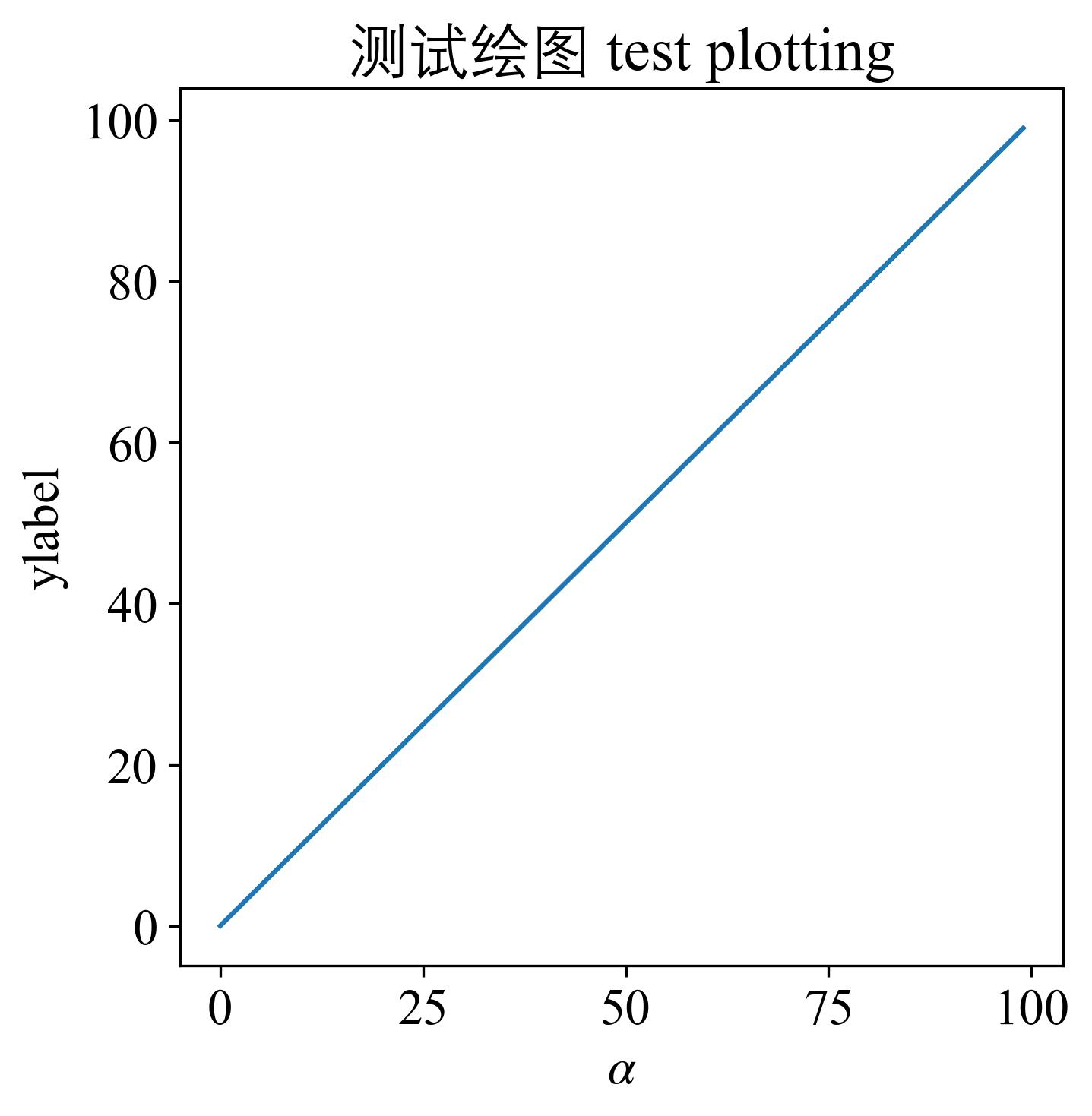
另一个问题是可能需要同时显示中文和英文字体,这个时候要用到matplotlib在2022年9月更新的新功能,具体可以查阅官方文档:https://matplotlib.org/stable/users/prev_whats_new/whats_new_3.6.0.html#fonts-and-text。
简单而言,就是设置两类字体(前英文,后中文)。
1
plt.rcParams["font.family"] = ["Times New Roman", "Dengxian"]
例如,在这里我设置英文用Times New Roman,中文用等线Dengxian。
参考:
- https://hscyber.github.io/posts/44ded5de/
- https://hscyber.github.io/posts/7c8b9f60/
- https://hscyber.github.io/posts/7c8b9f60/#%E4%B8%AD%E6%96%87
Leave a comment